


We will notify you by email when the product is available again!
Questions?
When replacing a car's factory radio with an Alpine player, you don't have to give up the features you're used to with the original radio. The APF-X303VW is a solution that brings the car's heating/air conditioning system information to the Alpine display, as well as information from the original parking sensors. This adapter also supports the MFD display in the instrument cluster and the car's original steering wheel buttons.
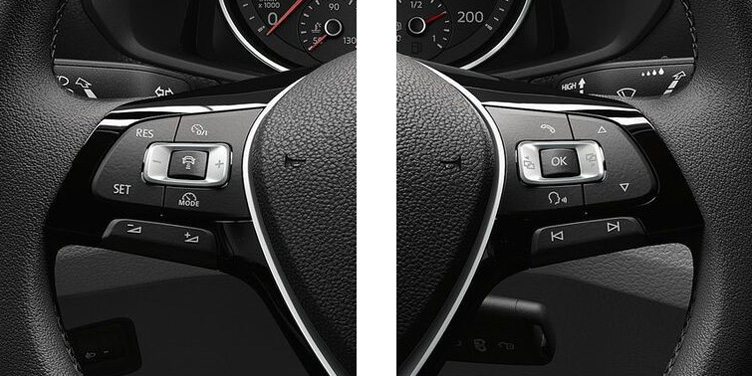
Original steering wheel buttons available
If your car is equipped with steering wheel buttons, these also work seamlessly with your Alpine player. You can perform basic functions without taking your hands off the wheel, such as muting the player, changing the source or radio channel, adjusting the volume, etc.
If you use an iPhone, you can also activate Siri with a single press of a button.
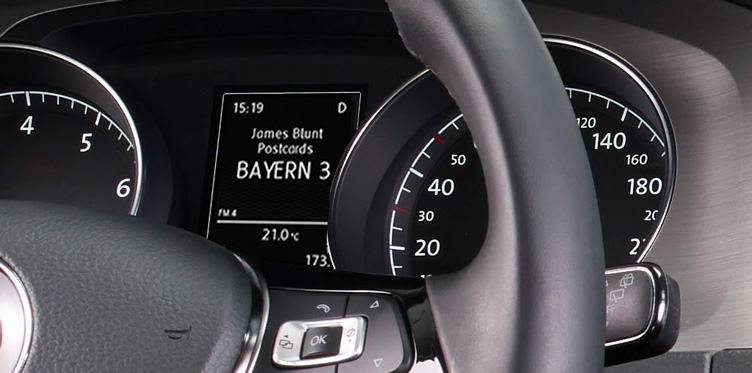
MFD display
The APF-X303VW also supports the car's MFD (Multi Function Display) in the instrument cluster. You can see the radio station name, song information, etc. just like on the original player.
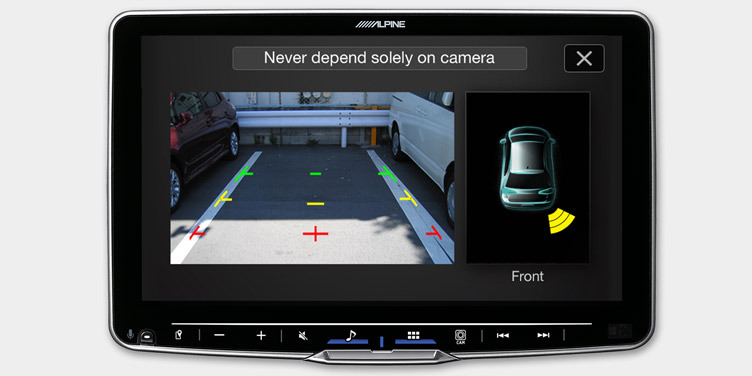
Rear view camera and parking aid display
If your car has a factory-installed reversing camera and/or reversing radar*, you can also make these work with Alpine and get their information on the screen at the same time.
*) does not support factory-installed RGB camera.
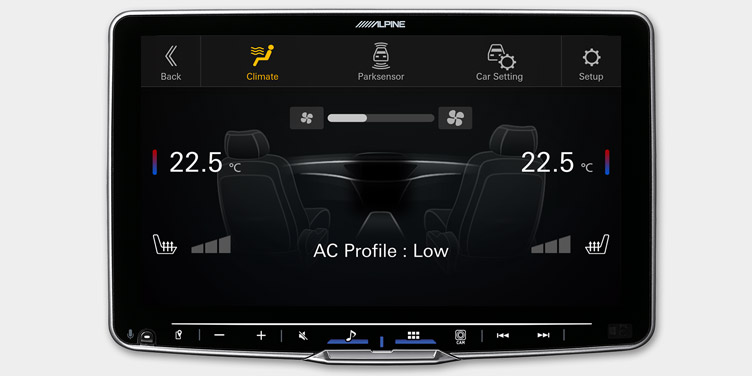
Heating and air conditioning unit information
Get clear, detailed information on your Alpine display whenever you adjust the air conditioning or seat heaters. The display automatically turns on for a few seconds whenever adjustments are made.
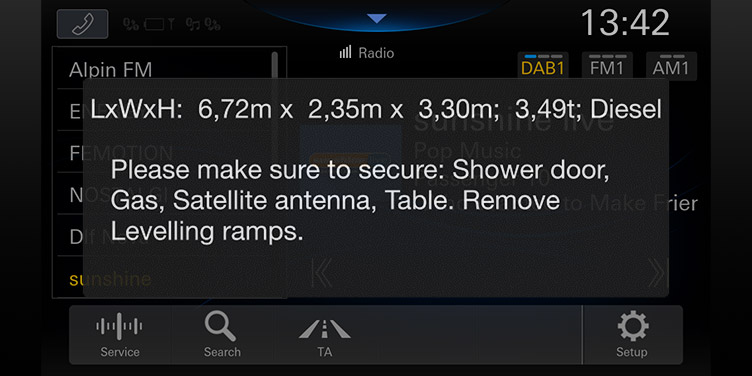
Pre-Flight Check
For touring and camping car use, Alpine can remind you when setting off that, for example, the car's gas taps are closed, all necessary doors are closed, the car's support legs are removed, etc.
You can choose the settings for your own car or disable these reminders completely.
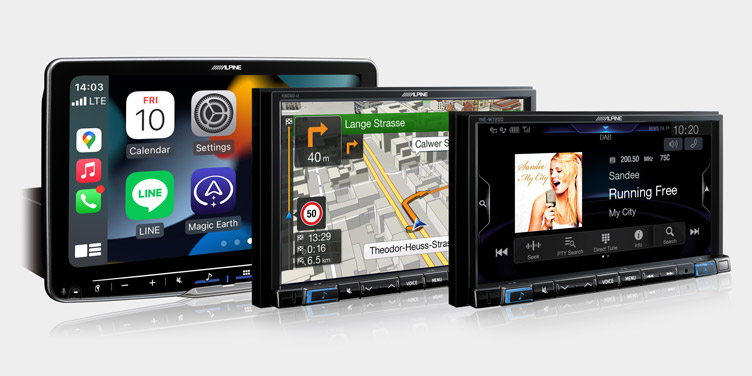
Compatible with almost all Alpine players
The APF-X303VW is compatible with all Halo players, including the first and second generation. You can find all compatible players under the “Compatible products” heading at the bottom of the page.
About:
- Plug-and-play installation in VAG (MIB-PQ) cars
- CAN-bus converter
- Displays air conditioning/heating device information
- Supports the car's original steering wheel buttons
- Supports Multi-Function Display (MFD) in the instrument cluster *
- Supports the car's original reversing camera
- Supports the car's original rear view camera**
- Pre-flight Check for touring and camper van use
- Supports the car's original HF microphone
- Compatible with all Alpine players with “Vehicle Data-Bus Interface Ready” connection.
*) If the car's MFD display was not originally in use, this must be programmed for use at a VW service center.
**) not compatible with RGB camera
Note: Cars without a white MFD (Multifunctional display) in the instrument cluster require programming by an authorized service center. Please contact the service center before ordering/installing the adapter.